Skip to main content
Upload Spivi workout file to Training peaks
- Download your Spivi workout to your PC.
- Sign in to your account on Training Peaks.
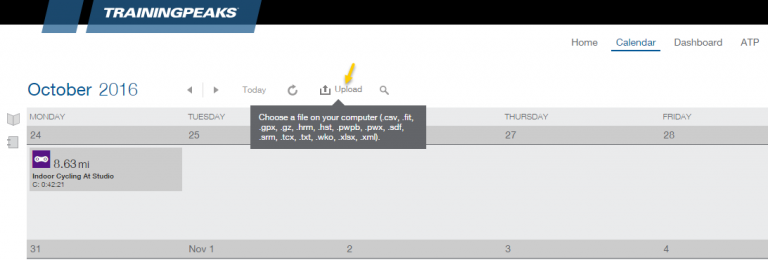
- On the Calendar page, click on Upload and choose your Spivi workout file from your PC.
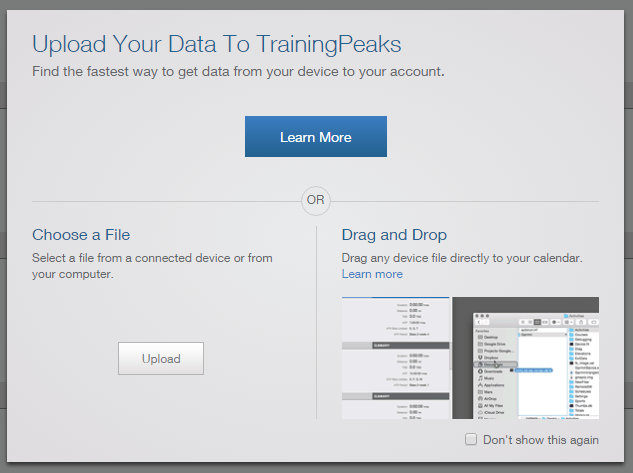
- Once you’ve uploaded the workout file, set your workout details and planned goals and press on Save & Close.
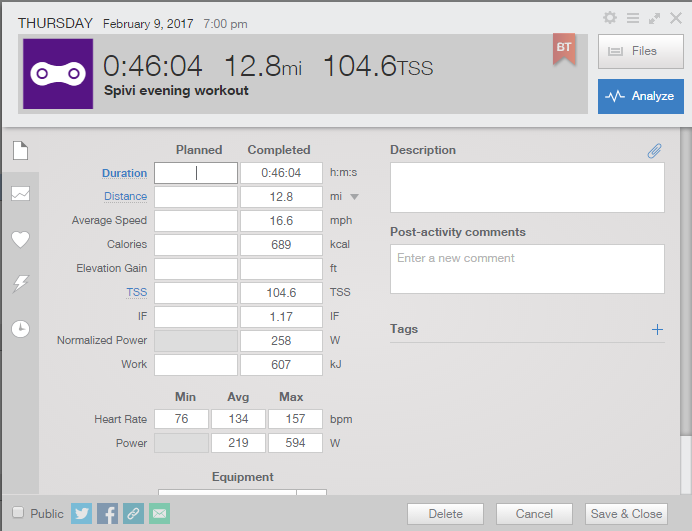
- Your workout will be saved on your Training Peak calendar along with other activities you will add.
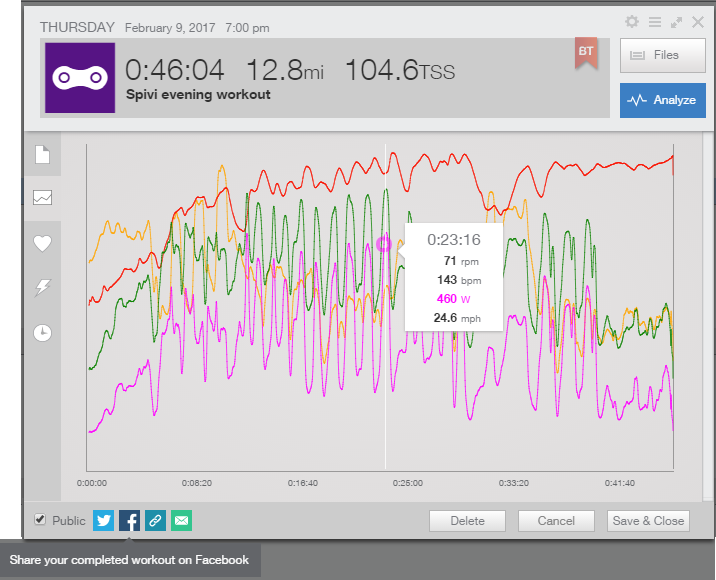
- You can view the result of each activity and share it with others.
Comments
0 comments
Article is closed for comments.